
about 4 years ago
How to make them visible
Go to the “eye button” (1) and select the geometrical options that are most relevant to the design (2).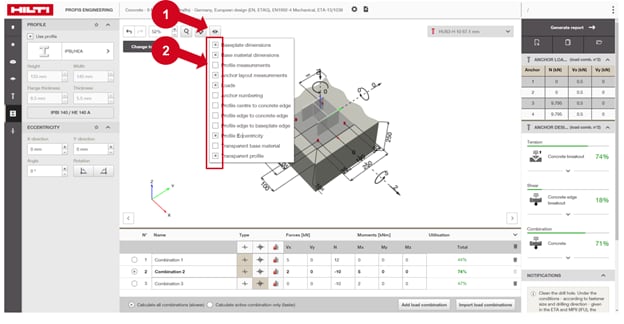
If you are unsure which options to choose, Hilti recommends selecting the following: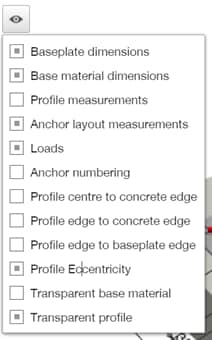
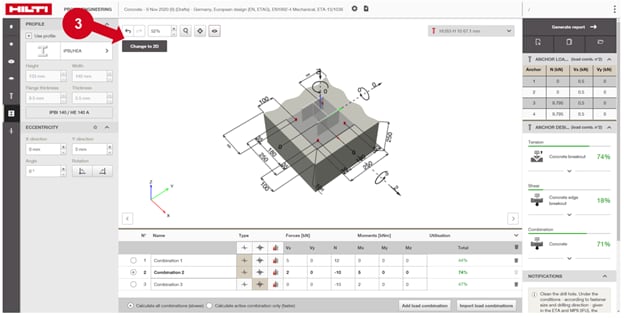
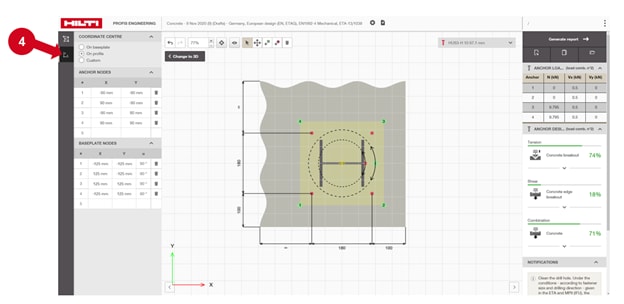
In addition, you can always go to the 2D design editor (3), select “modify coordinates” (4) and directly input the coordinates of the anchors.